 kiduverse
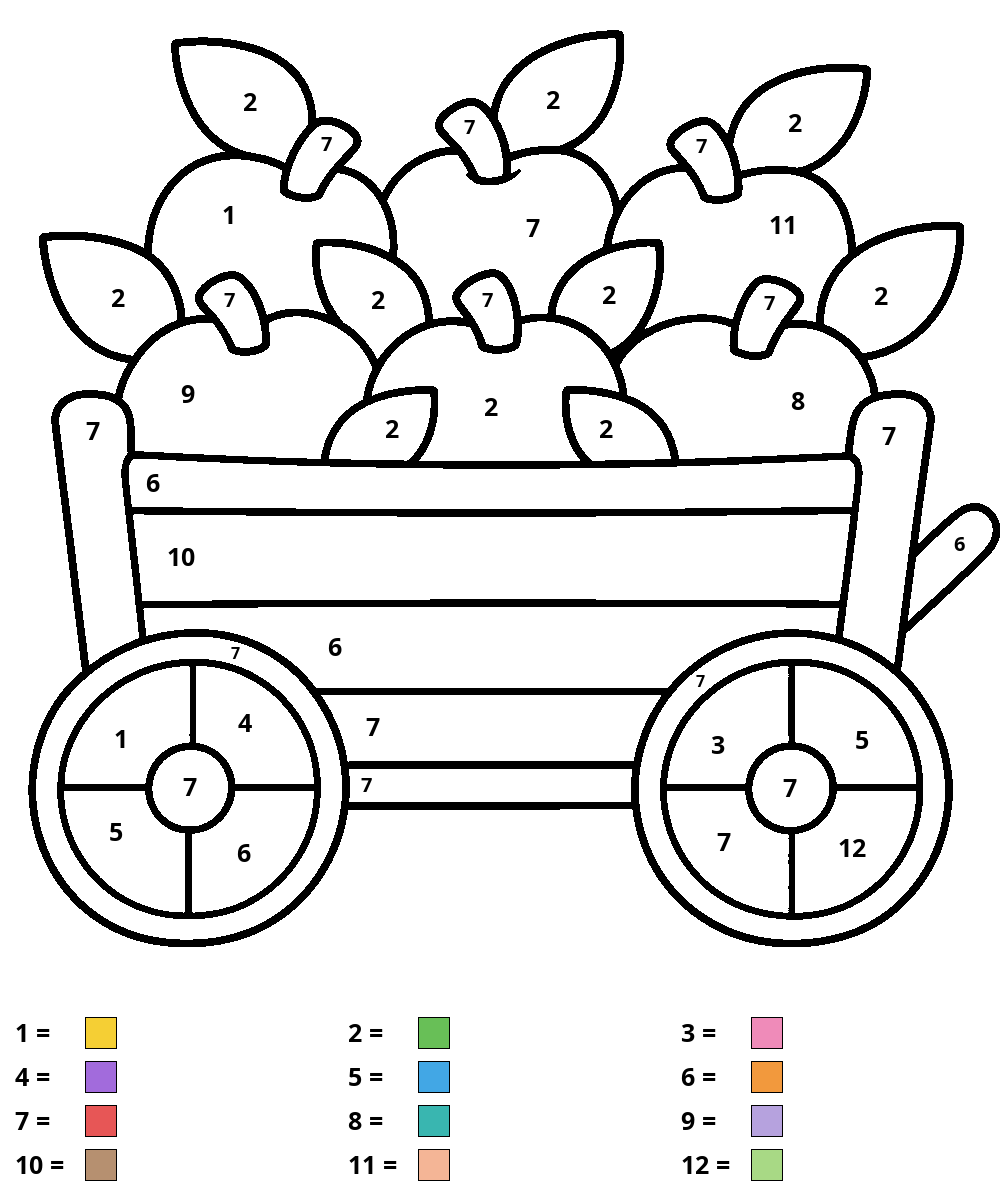
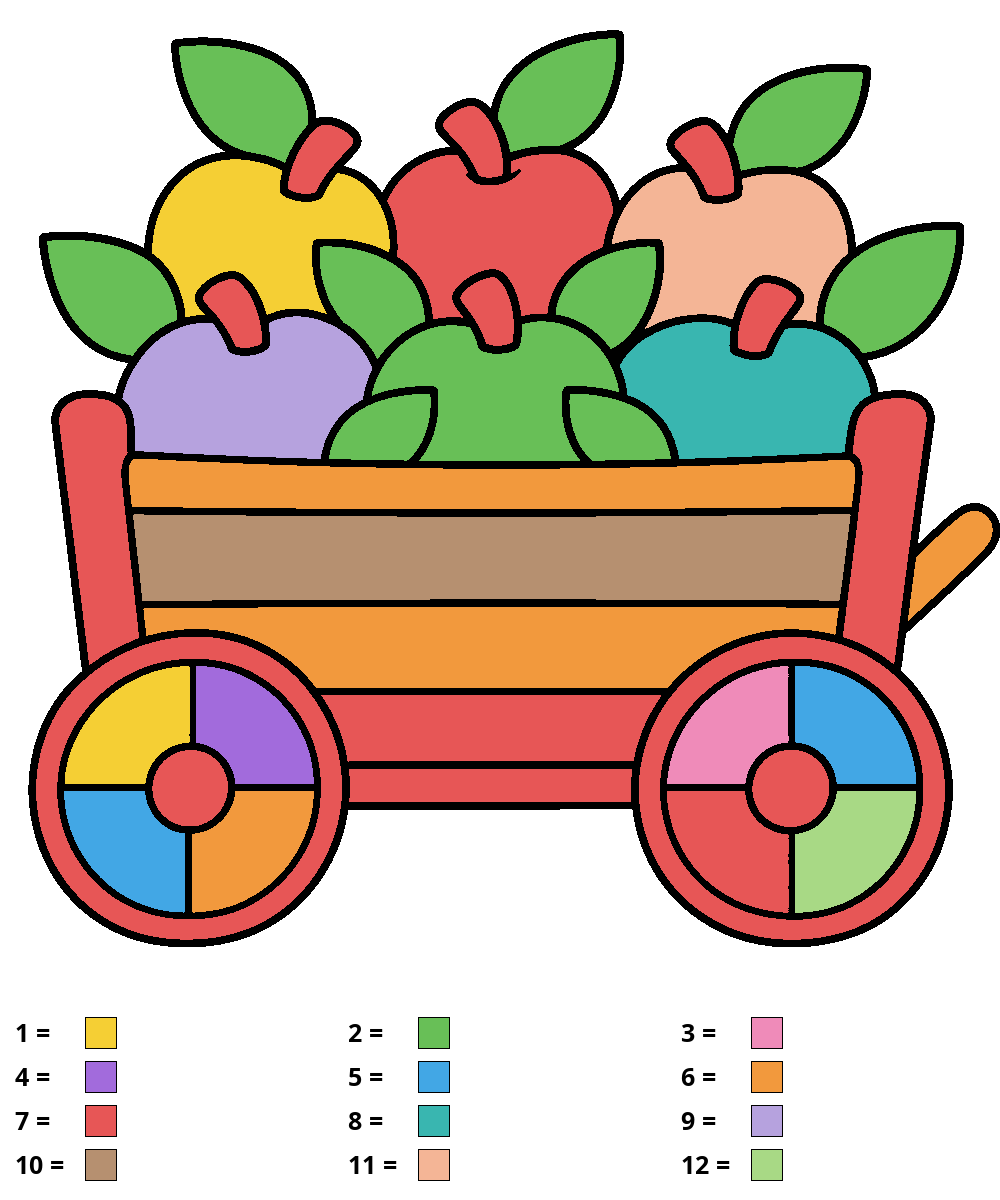
Apple harvest cart
Detailed · 12 colors · 41 spaces
Color key
- 1 · Yellow
- 2 · Green
- 3 · Pink
- 4 · Purple
- 5 · Blue
- 6 · Orange
- 7 · Red
- 8 · Turquoise
- 9 · Lavender
- 10 · Brown
- 11 · Peach
- 12 · Light green
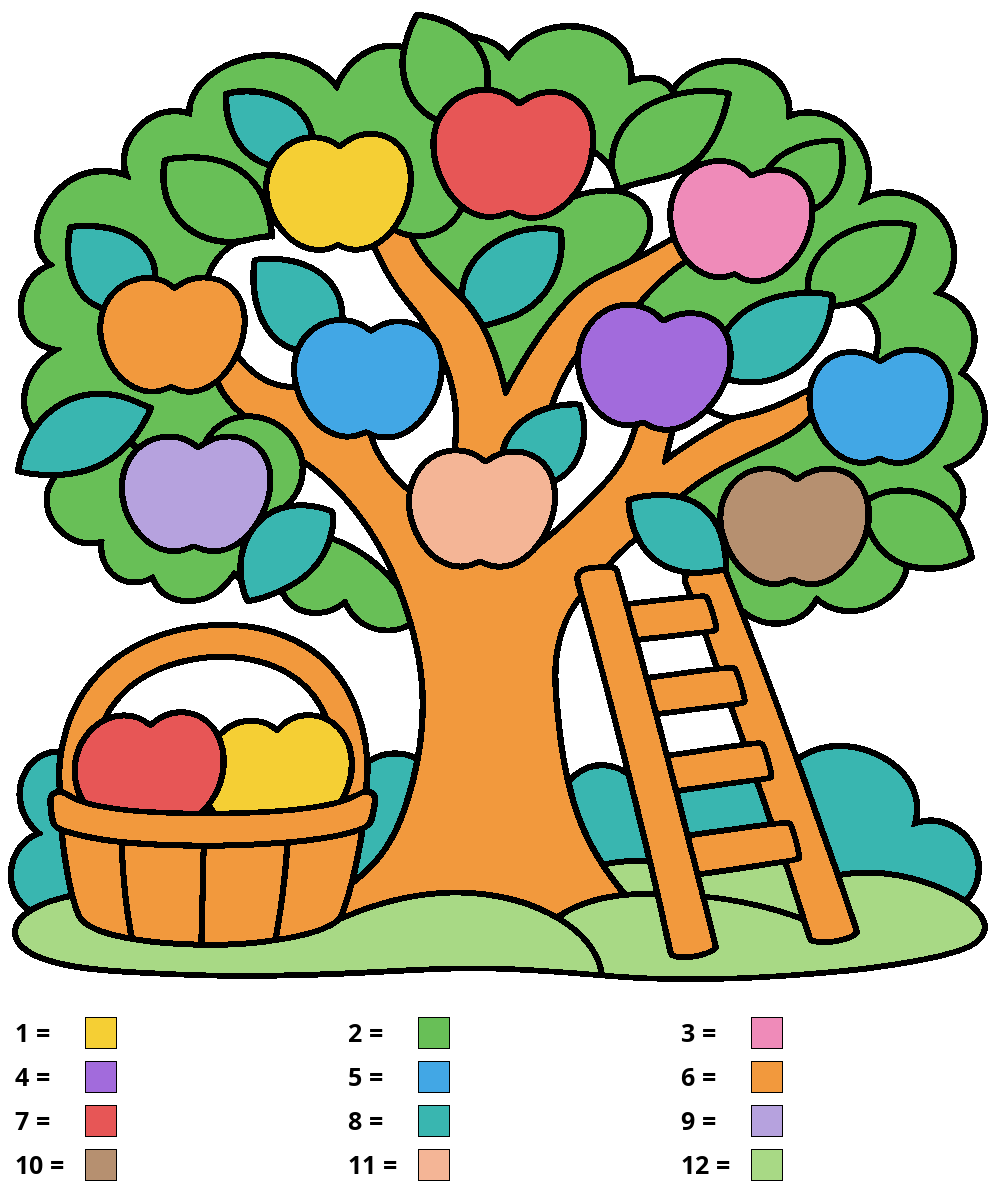
Show the colored answer
15 free apple color-by-number worksheets: four difficulty levels, numbered color keys and matching answers. Download two-page A4 PDFs without registration.
You need plain paper and pencils or markers. Leave the background and white eye highlights white.
Detailed · 12 colors · 41 spaces
Detailed · 12 colors · 56 spaces
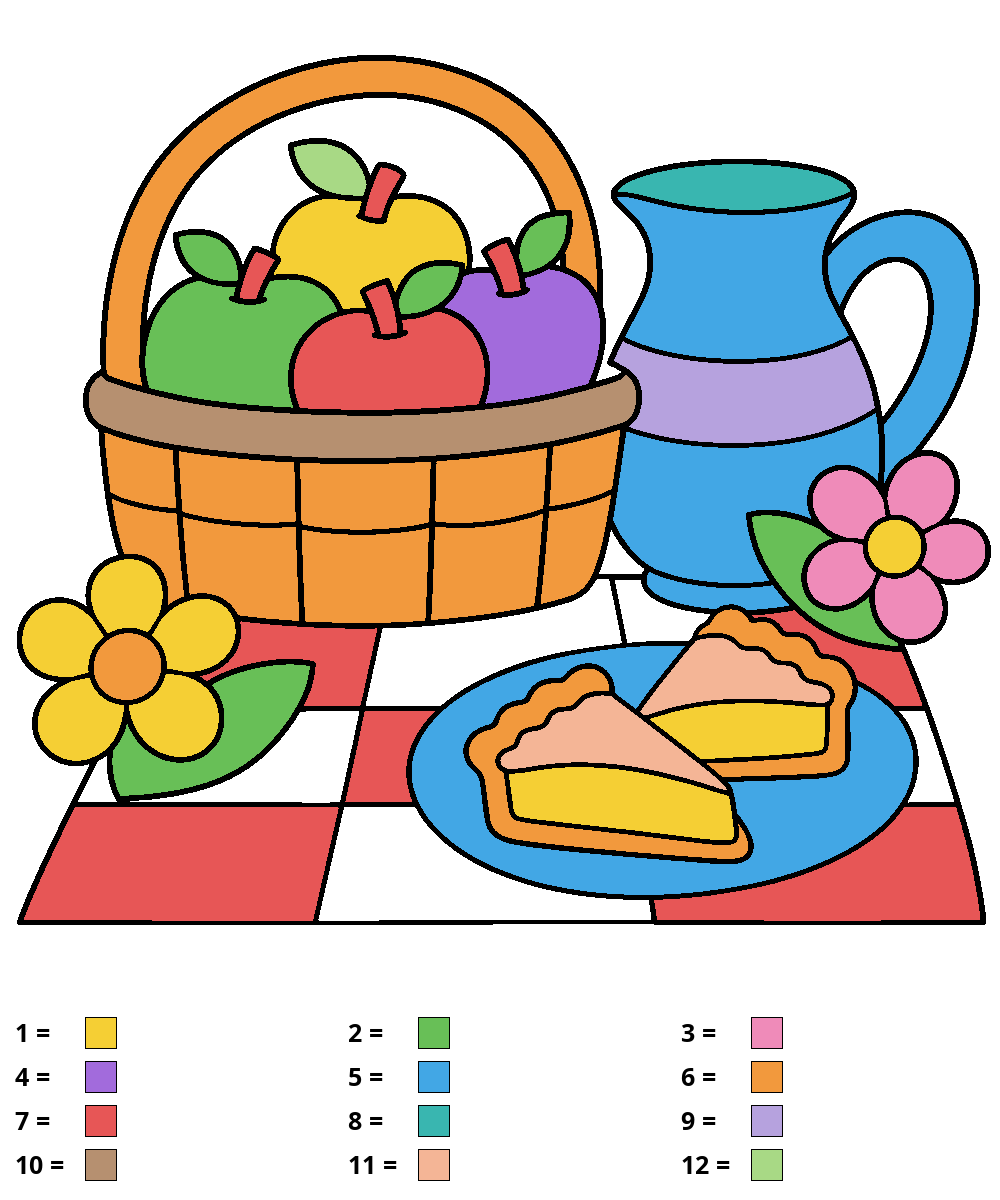
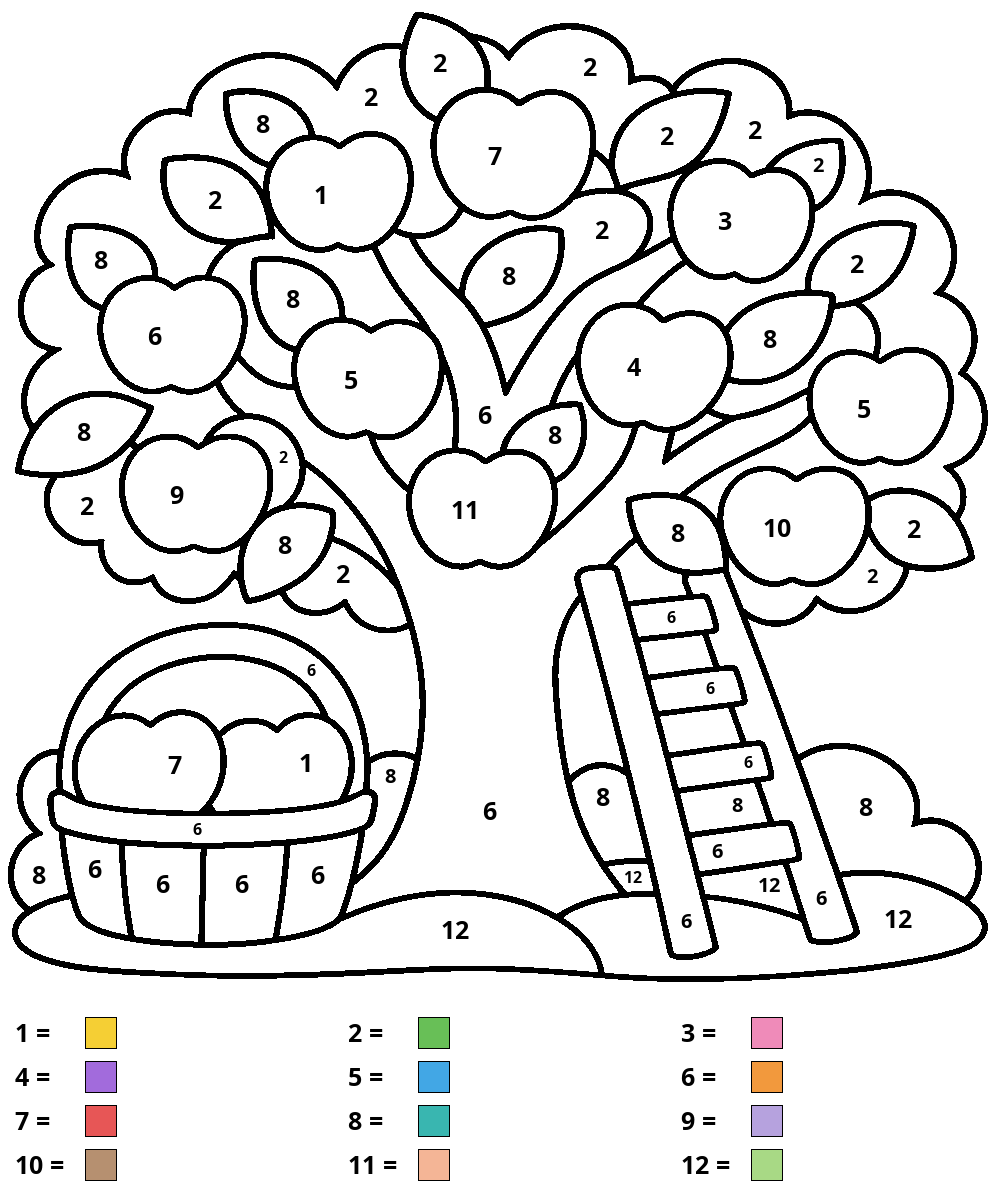
Detailed · 12 colors · 58 spaces
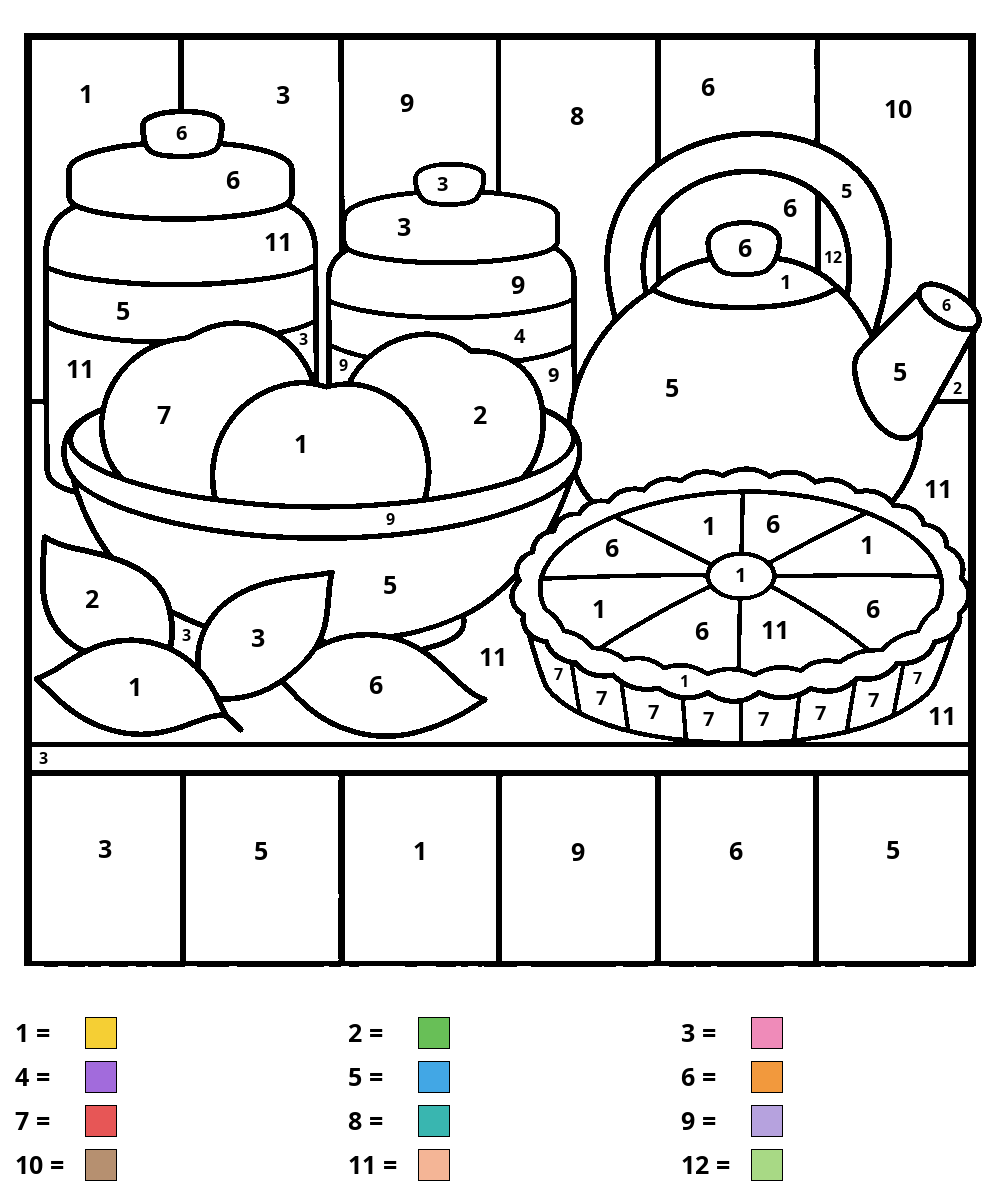
Detailed · 12 colors · 65 spaces
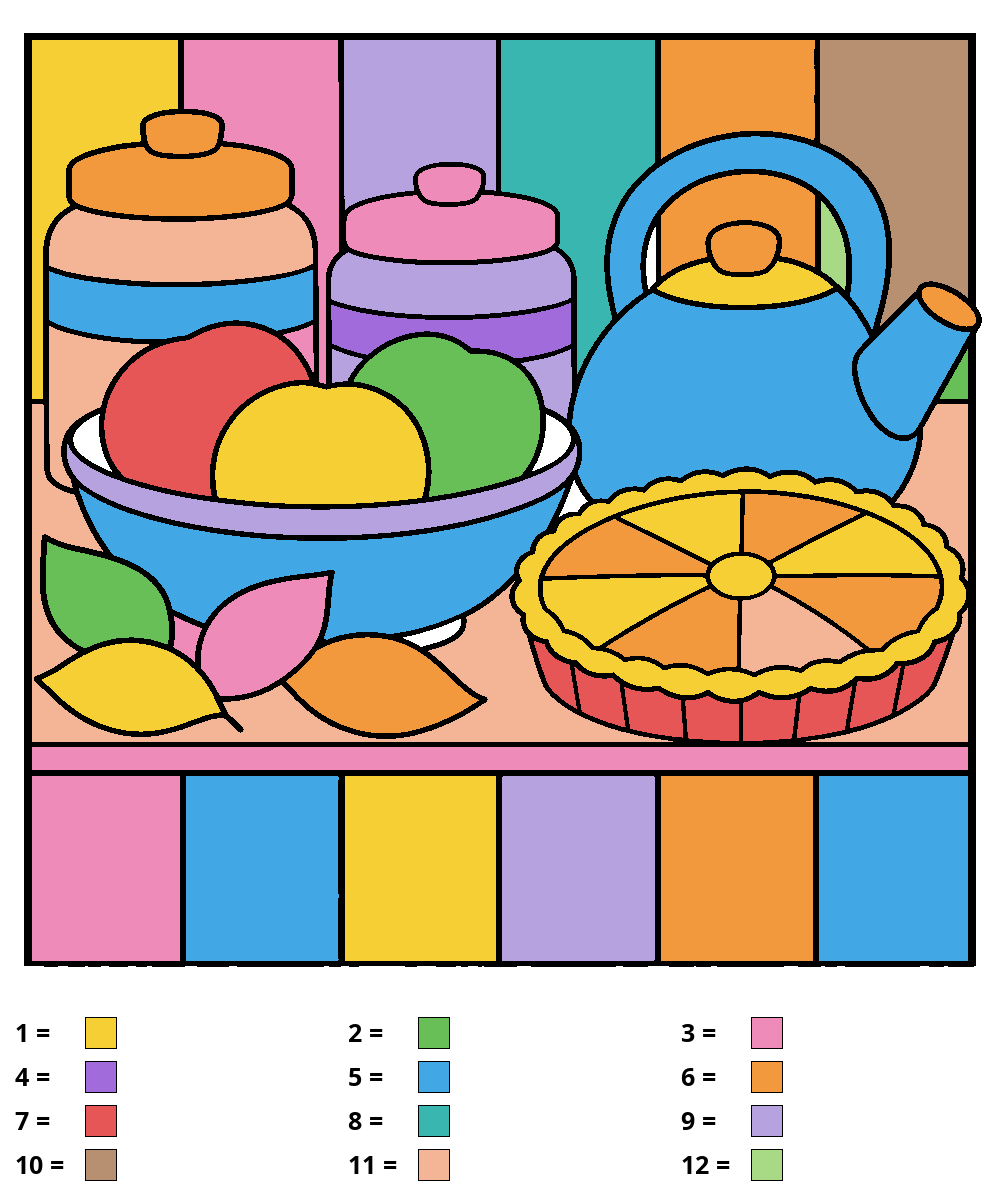
These fifteen apple color-by-number worksheets move from a single fruit to baskets, kitchen objects and orchard scenes. Start with the apple with large curved sections, apple cut in half or two apples in a bowl if you want fewer spaces. The apple and worm adds a small character while keeping the easy palette. These four sheets use four to six colors. The four medium sheets use ten colors; the four detailed and three expert sheets use twelve. Each picture has its own key, so check it again when you change worksheets.
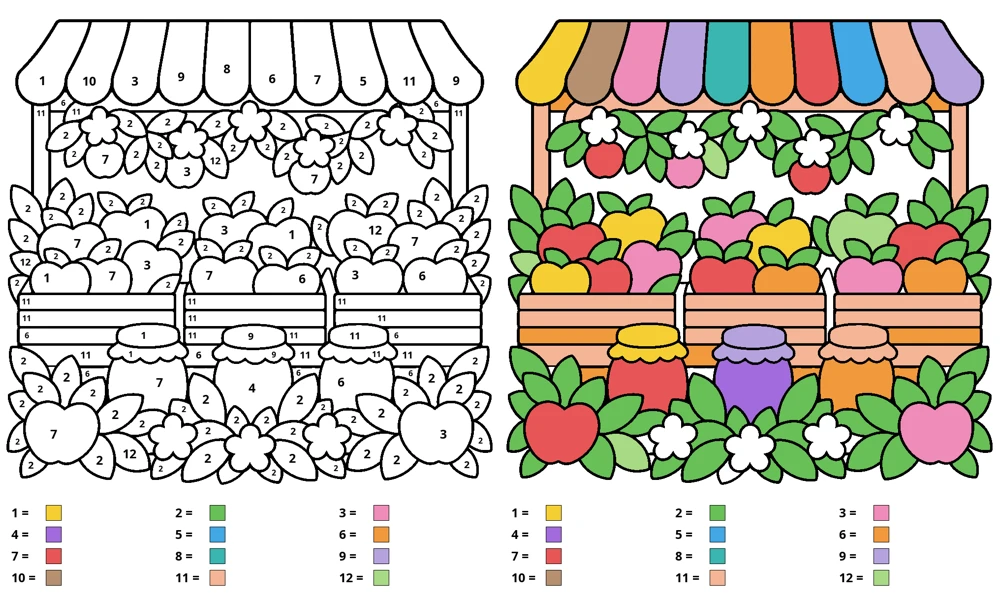
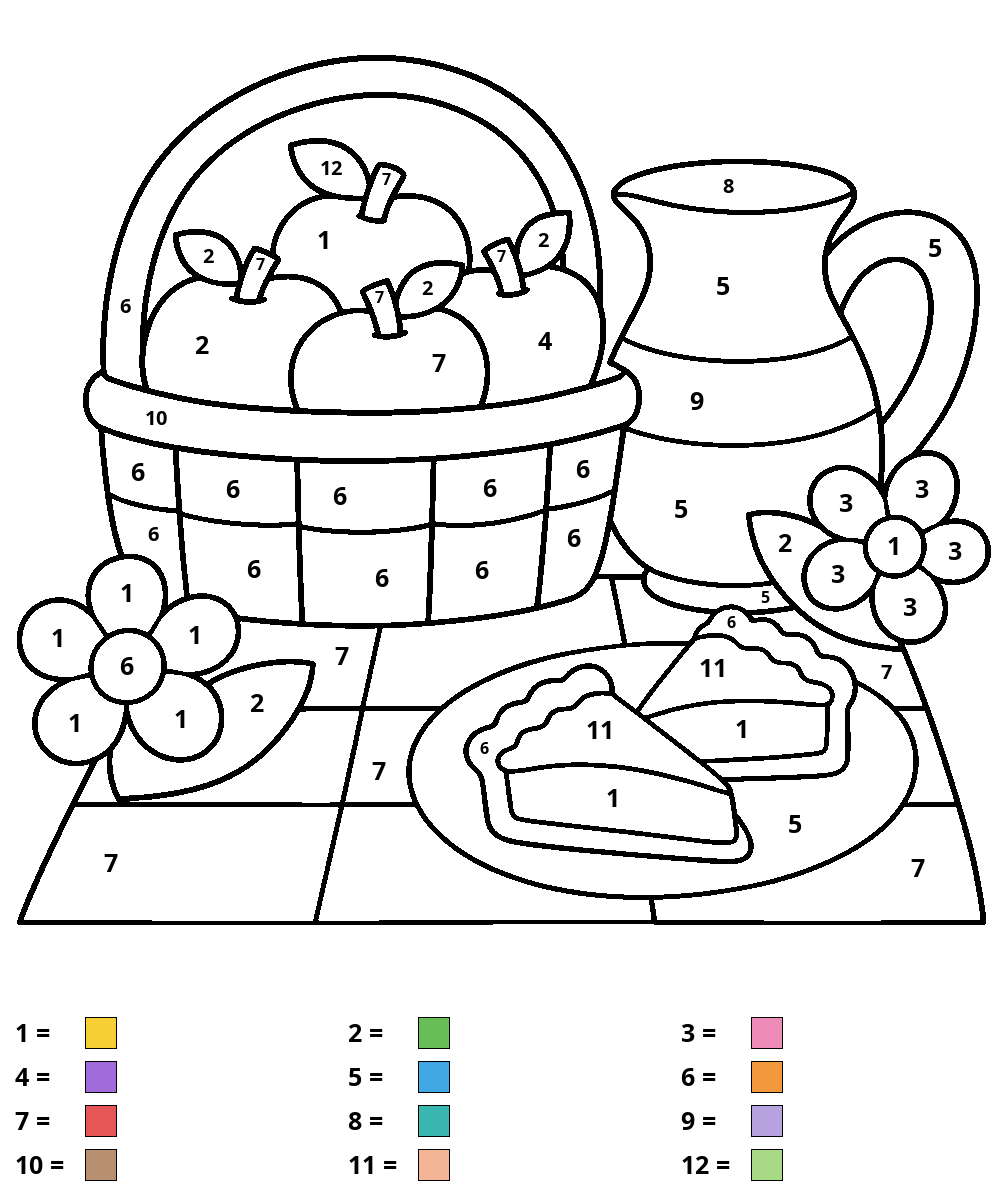
Look at both the preview and the space count before choosing. The apple basket, juice jug, pie and branch with a bird offer medium compositions. Detailed sheets add a harvest cart, picnic, tree with a ladder and kitchen. The expert orchard market, harvest garden and festival table have many more separate spaces. Choose by the size of the spaces and time available. A larger picture can be completed over several sessions; the level labels are guides to the picture rather than age rules.
Download the PDF beside the picture you want. Every file has two A4 pages: the numbered worksheet first, followed by its colored answer. Print page one for coloring and leave page two on screen until you want to check. Use portrait orientation and actual size / 100% on 210 × 297 mm paper. Check the smallest number in the print preview before printing several copies.
Each downloadable PNG and WebP includes numbered color swatches in a white strip below the picture. The PDF also gives the color names in the selected language. For a black-and-white print, read those names and try your pencils on scrap paper before starting. Colored pencils are easier to control in the smaller spaces; test markers on your chosen paper to check whether the ink shows through.
Find a number in the key and place that pencil beside the sheet. Point to a space carrying the same number, then color inside its boundary. Search for other spaces with that number before choosing the next pencil. Apples, leaves, bowls and other objects may share a number; follow the key rather than assuming that each object has a unique color. The outside background and unnumbered white gaps stay white.
If a number is hard to find, open the larger preview or the downloaded PNG. Turn the paper to reach a curved edge comfortably. When you pause, put a small pencil mark beside the swatch you are using, so you can return to the same color. On the expert sheets, work across one part of the scene at a time while keeping the key visible.
Reveal the answer after coloring and compare a few spaces at a time. The answer is filled from the same region map as the worksheet, so a number always points to its matching swatch. If you used a different color accidentally, identify the correct pencil before continuing; there is no need to restart the whole picture. A close shade is fine when your pencil set differs from the printed colors.
For a second version, write your own color choices beside the key on a new print. Keep one choice per number so repeated areas still agree. Try warm apples with cool leaves, or change the bowls while keeping the fruit familiar. Compare the two versions and describe which shared spaces changed. This collection is a paper activity; the on-screen preview lets you inspect pictures and answers, rather than paint them.
Yes. Download the worksheets and answers without an account, email or payment.
Yes. Each A4 PDF has exactly two pages: the numbered task and its matching colored answer.
The Easy filter shows four sheets using four to six colors. Check the preview and space count to choose a comfortable starting picture.
Yes. The localized PDF key includes color names as well as numbers and swatches. Match your pencils to the written names.
Choose an easy sheet, or write substitute colors beside the key. Use the same substitute for every occurrence of its number.