Ages are a guide, not a requirement. If searching becomes frustrating, go back to five differences and work together. Experience, picture size and tiredness matter too; there is no need to move up a level just to finish a harder puzzle.
12 cat spot-the-difference puzzles
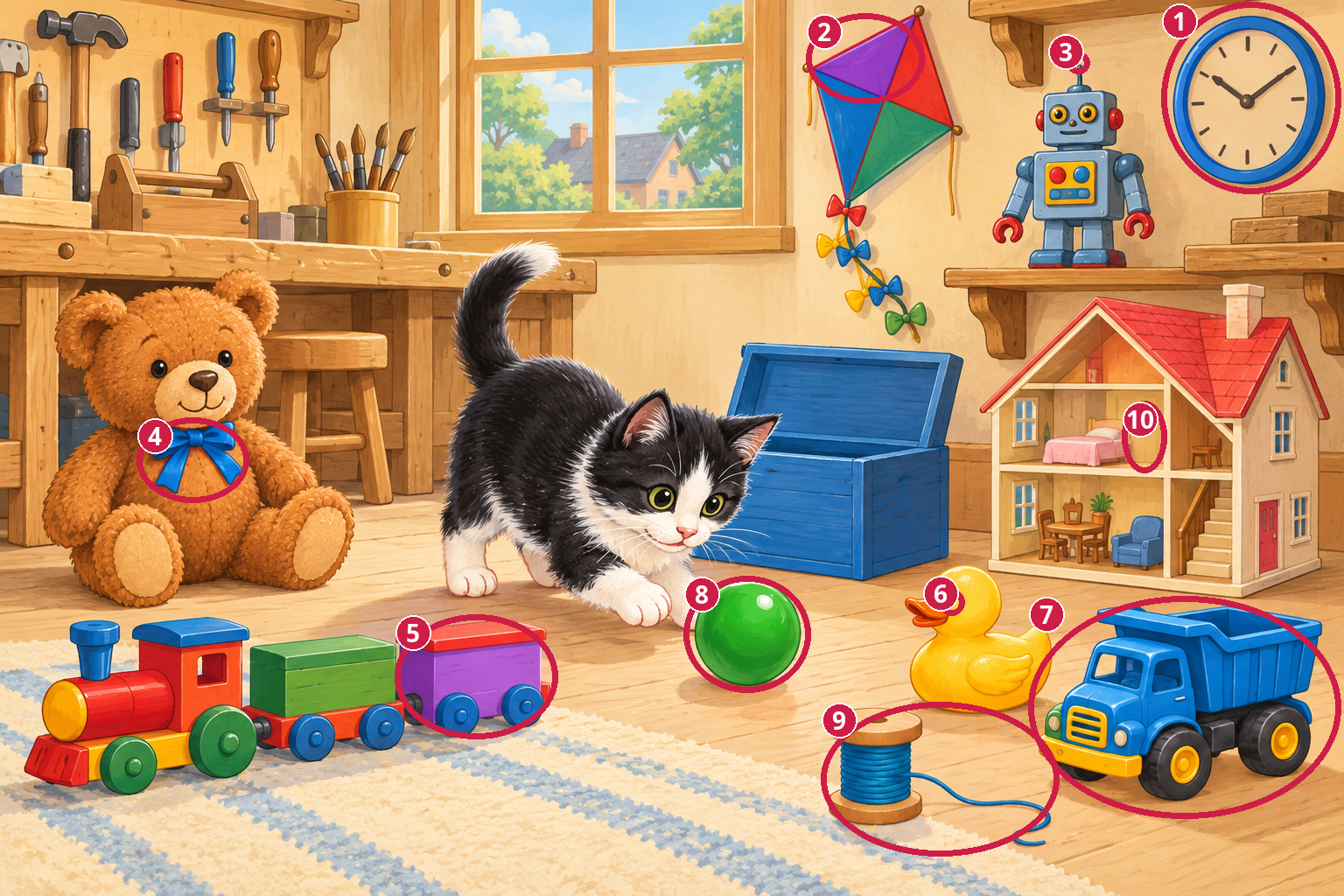
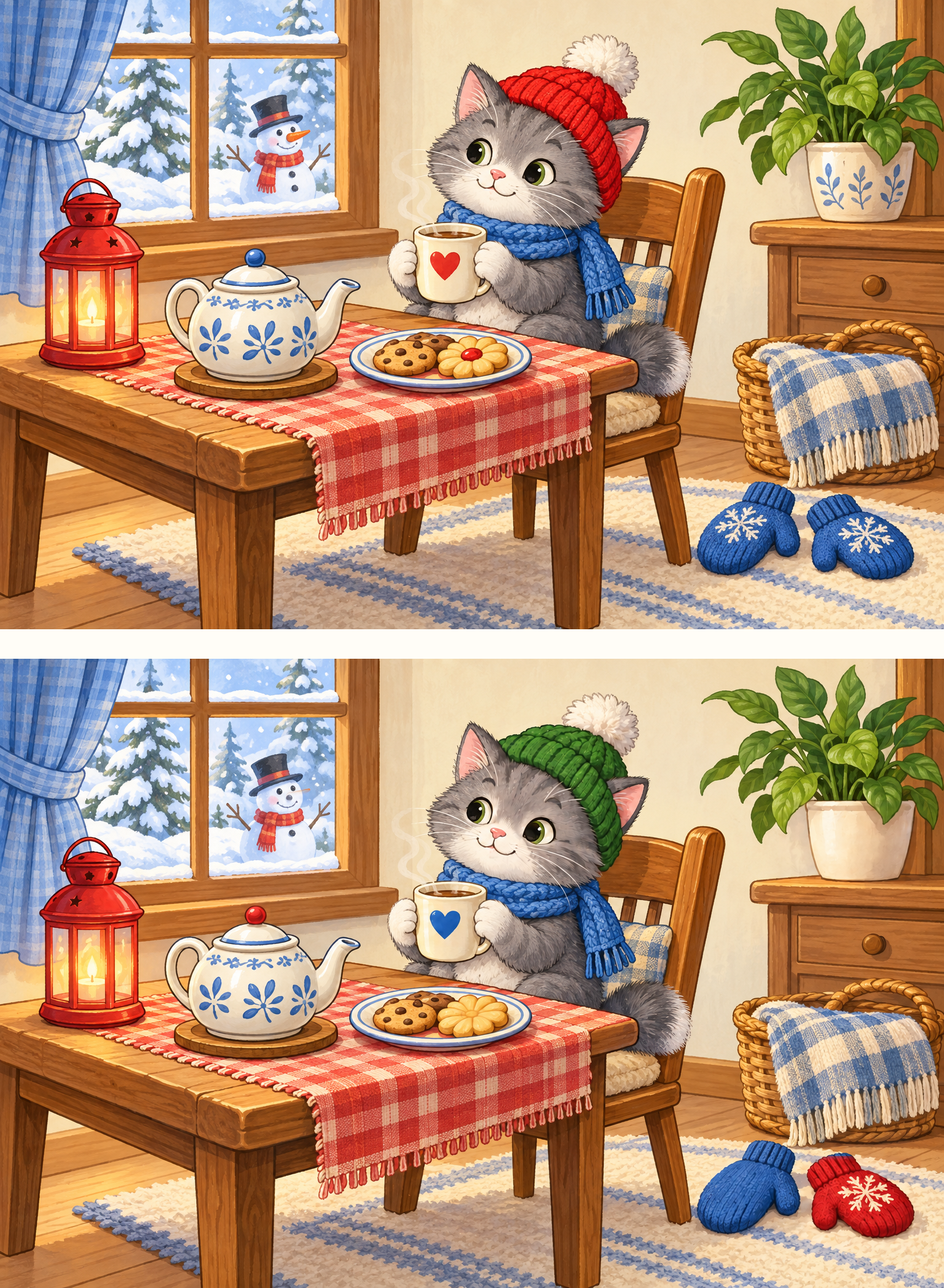
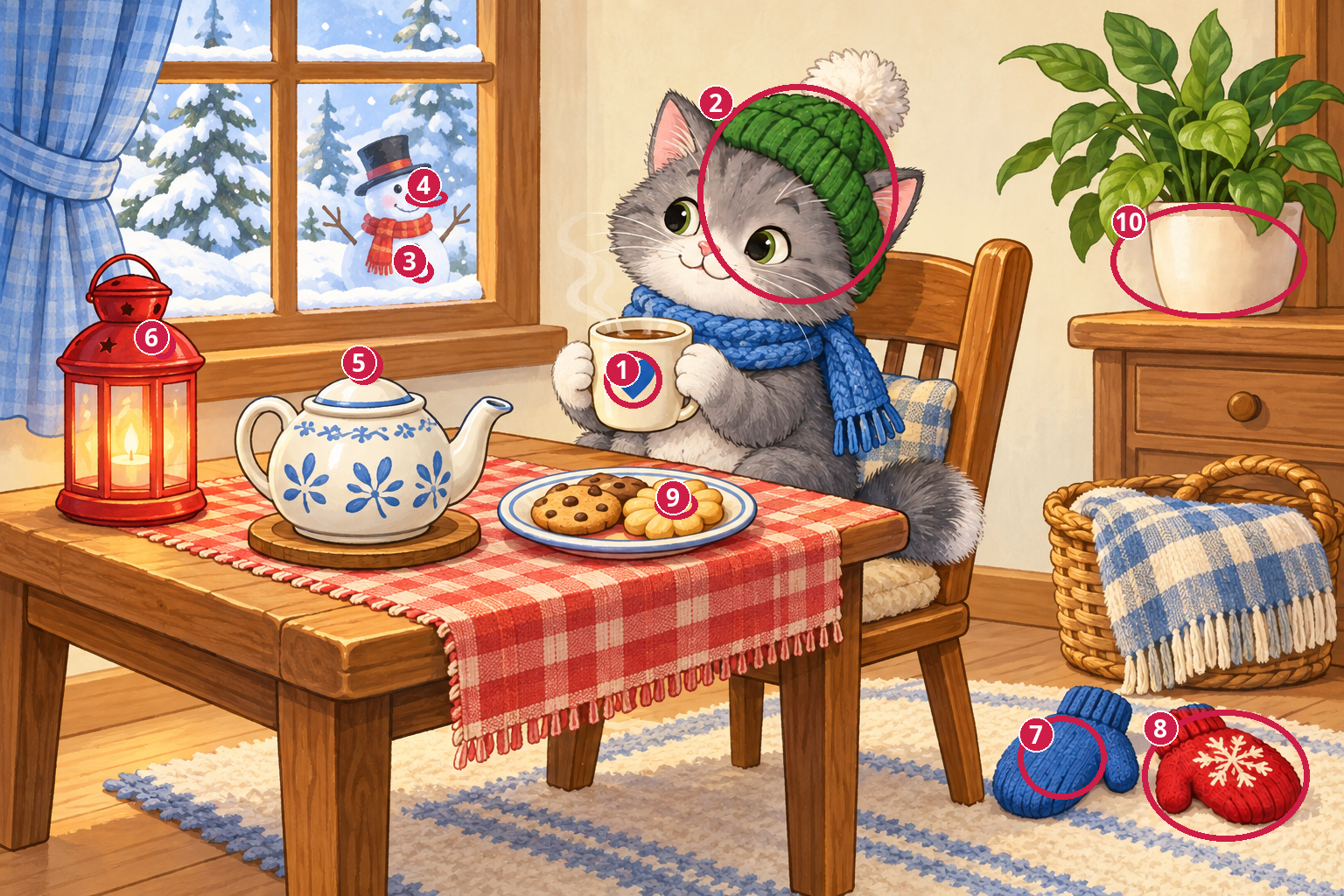
Choose a scene and compare the top and bottom pictures. Select the preview to enlarge both. Each PDF has two pages: the puzzle, then its separate answer. On the website, the answer stays hidden until you choose “Show the answer”.
Showing: 4 / 12
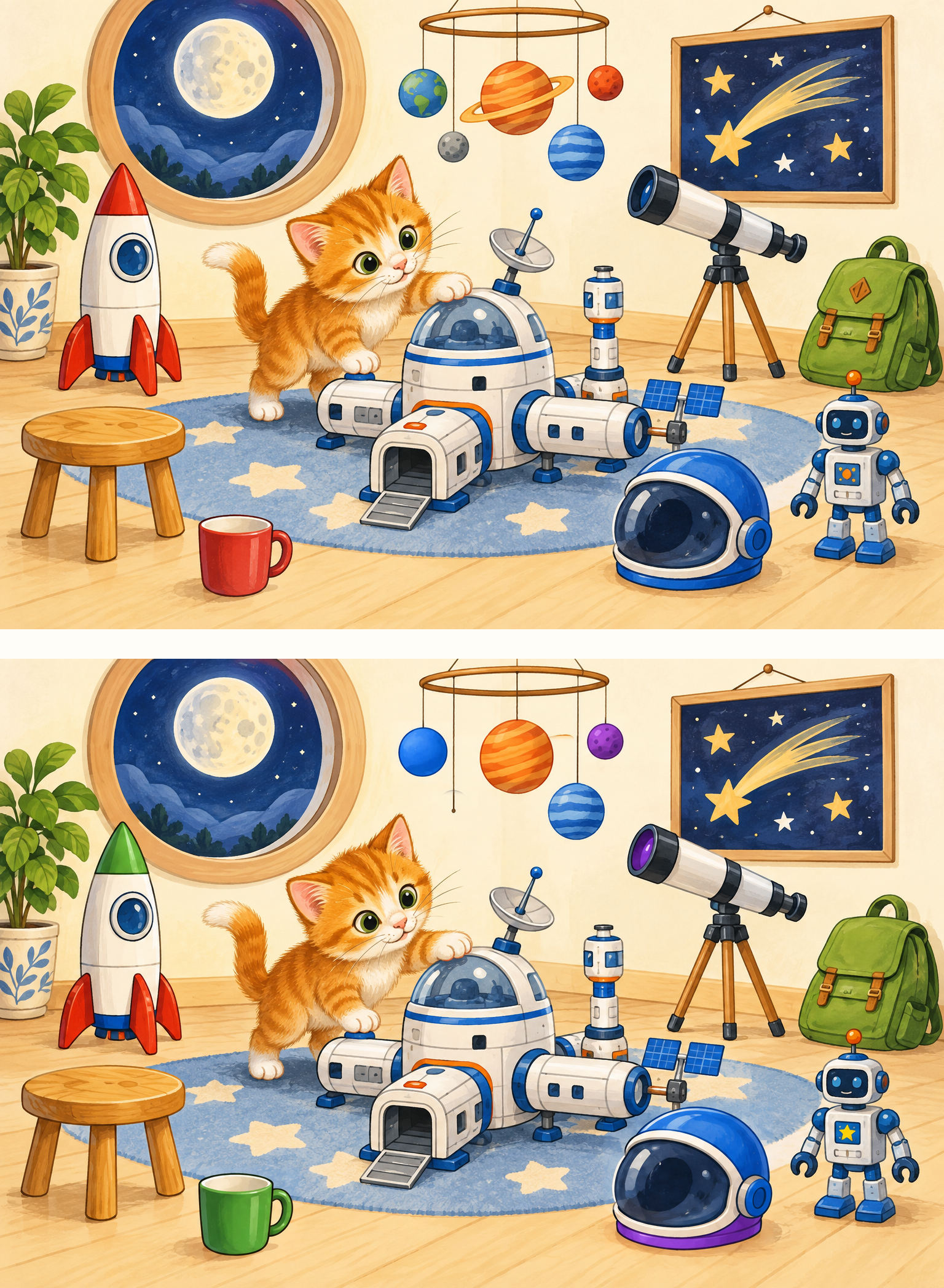
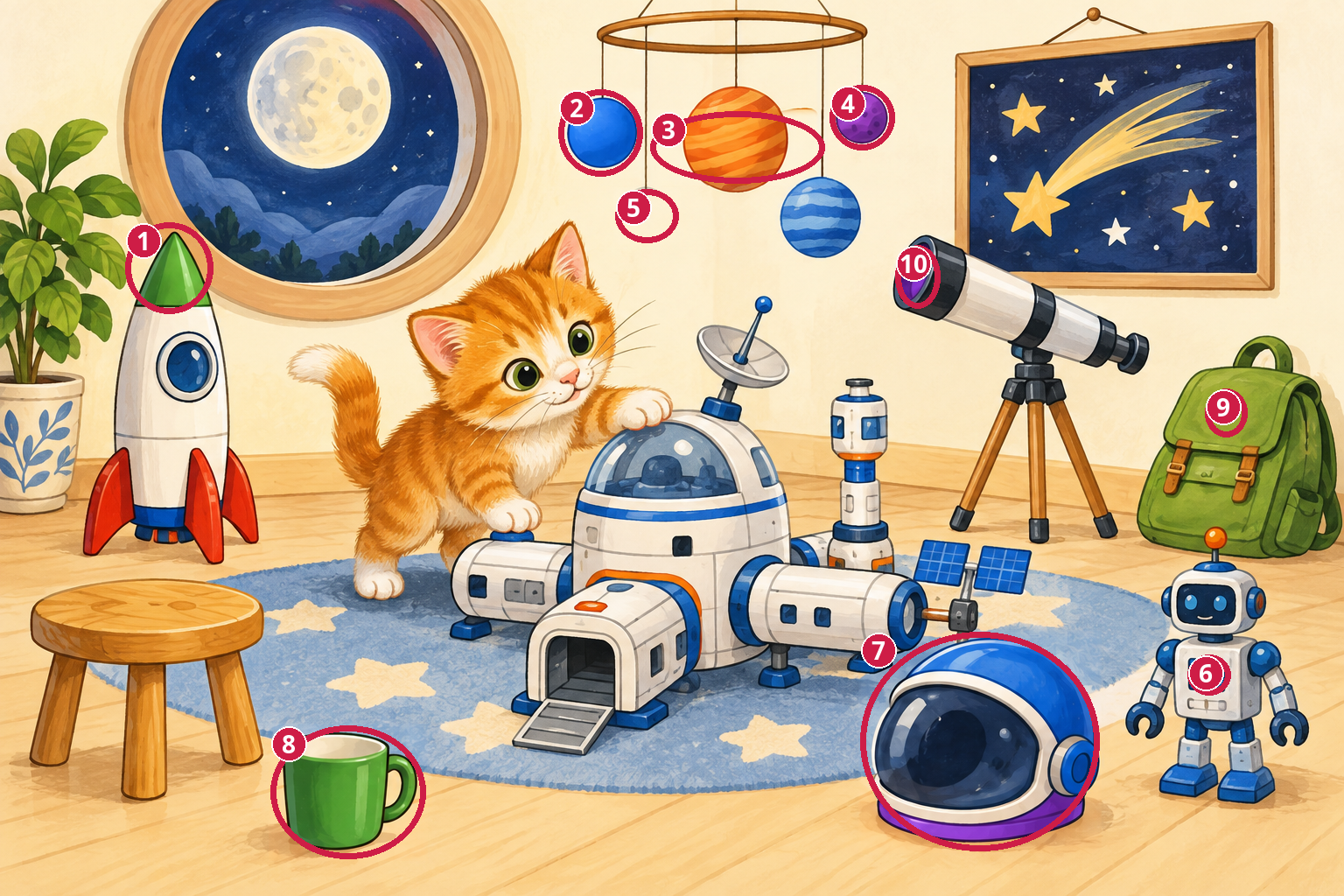
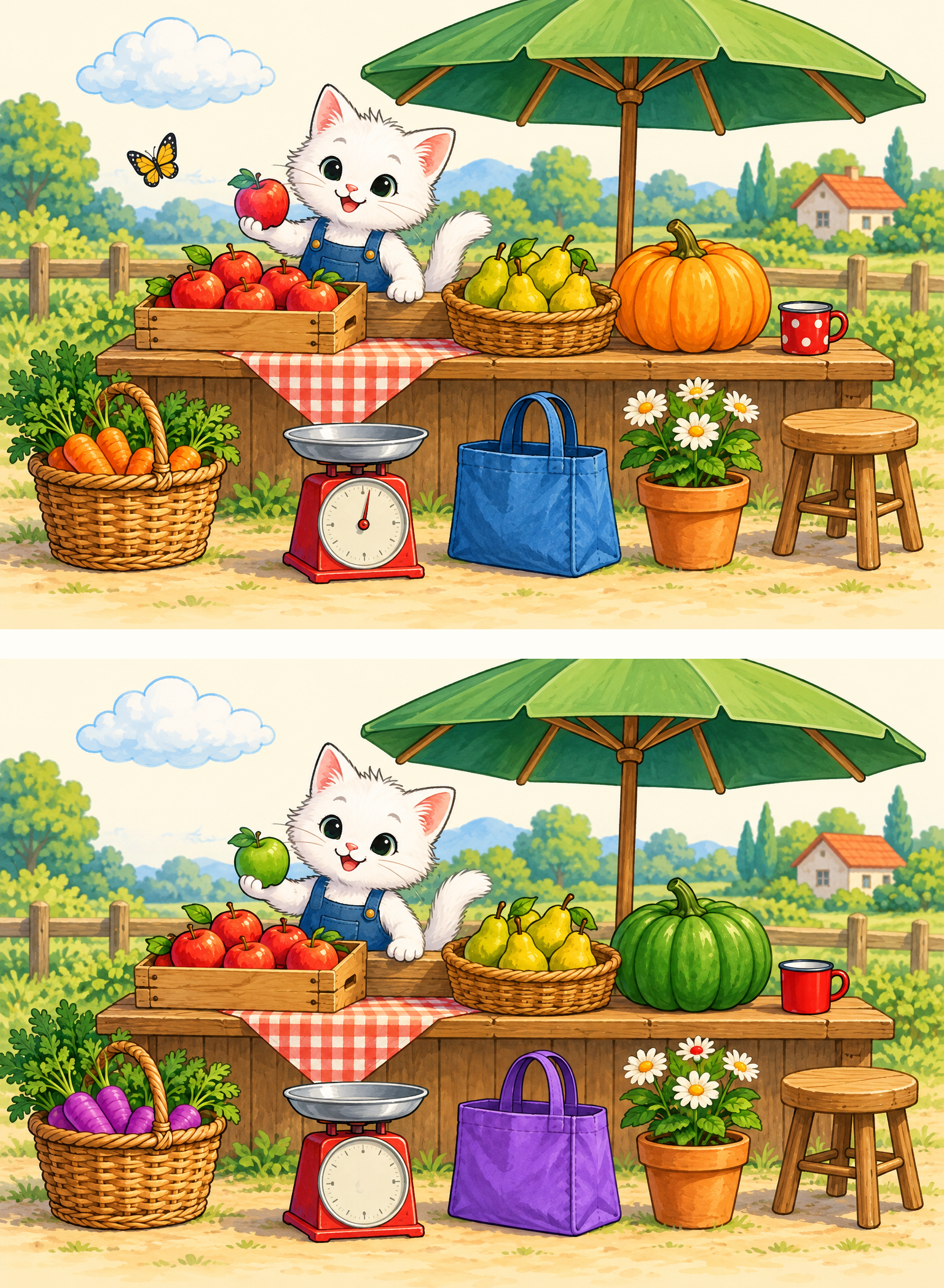
Space station
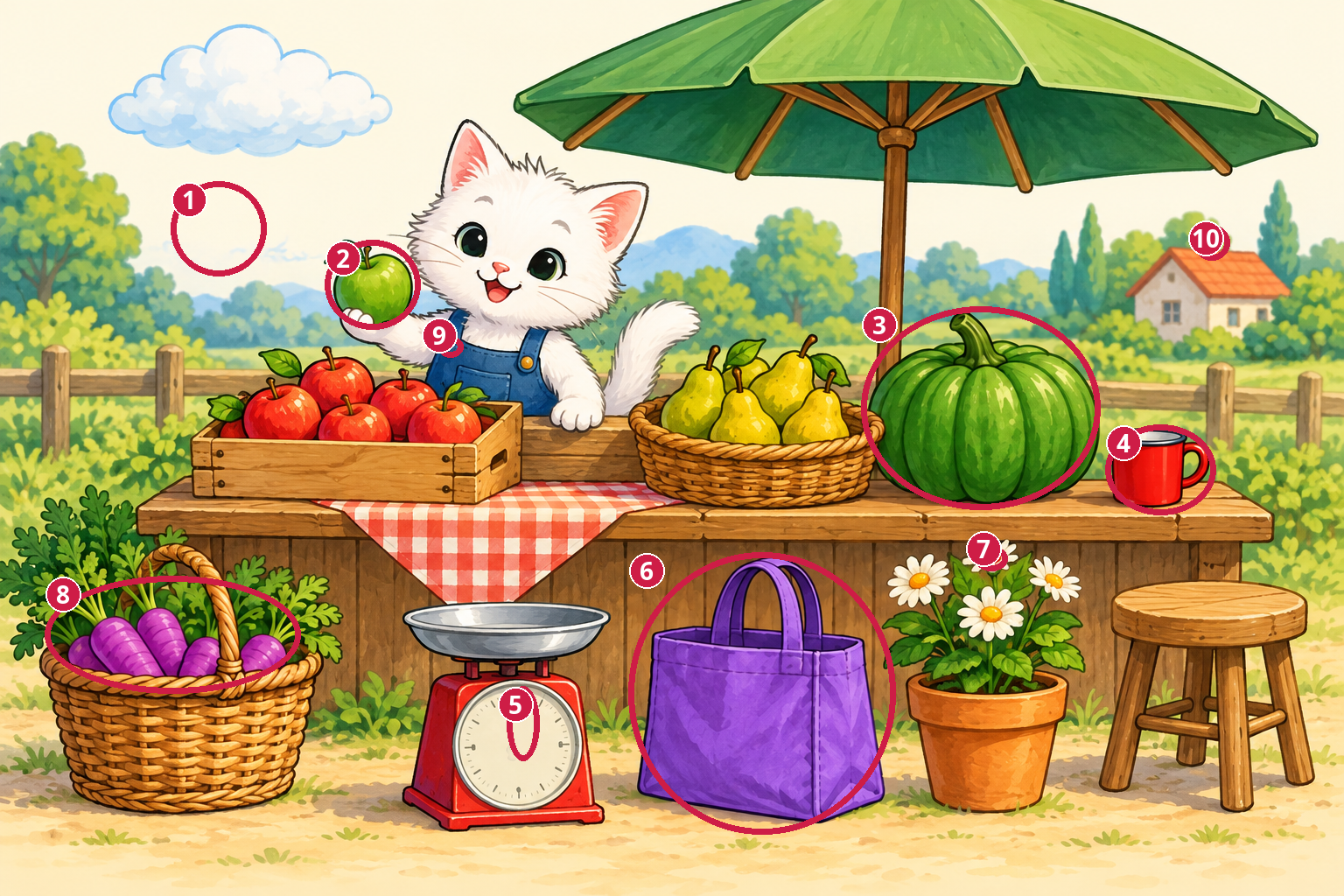
Find 10 differences · color puzzle
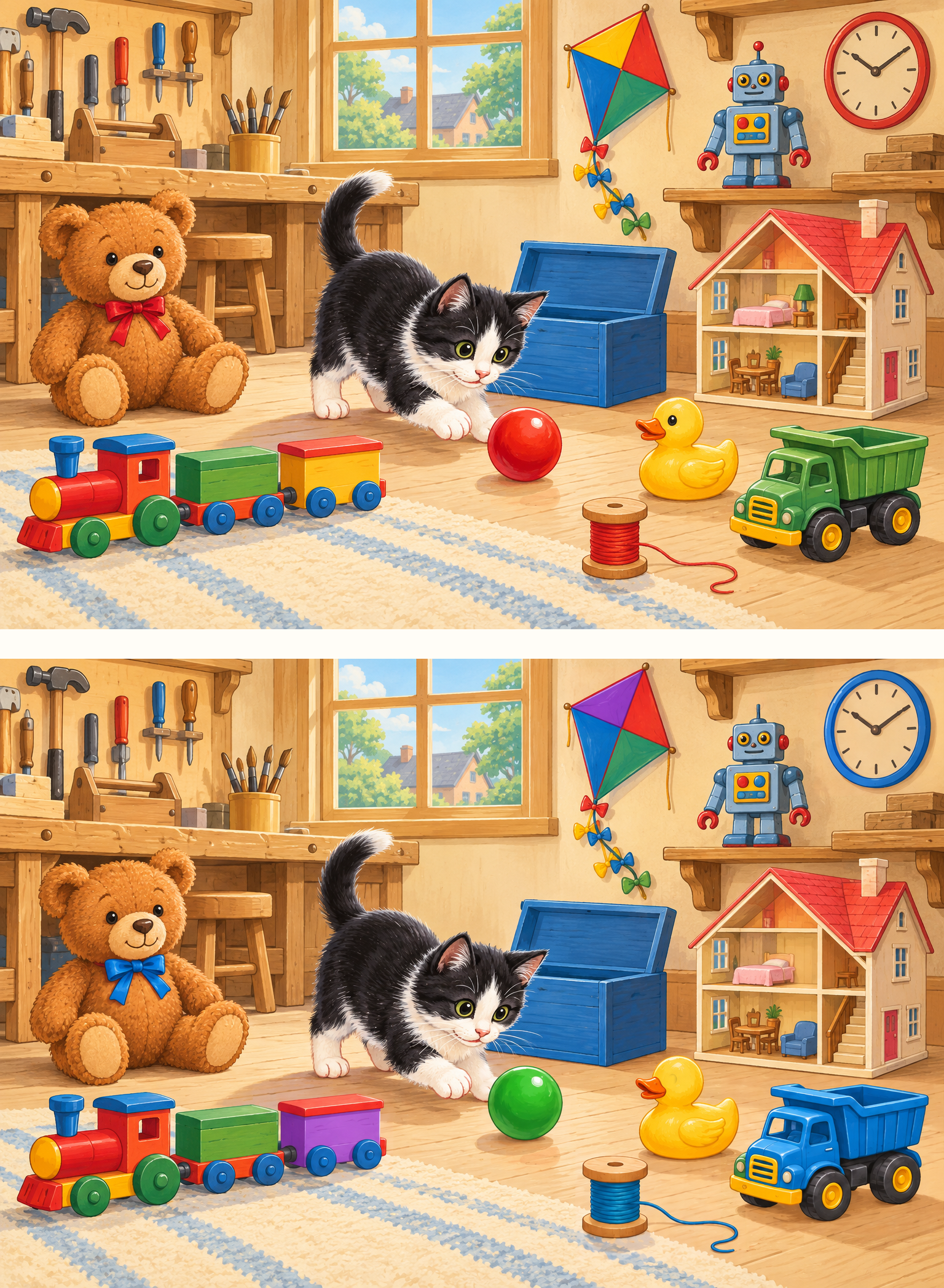
Compare the objects and details around the kitten. Search one area at a time, then check the separate answer.
The gold button on the left apron strap is missing.
The chimney on the distant house is missing.
How to spot differences with a clear search plan
Compare one small area at a time
Start in the top left corner. Look at one object in the upper picture, then find the same object in the lower picture. Move slowly across the scene and then down. This gives your search a direction and helps you avoid returning to the same spot. Cover other areas with your hand on paper, or enlarge the picture on screen.
Check presence, details and color
Ask three questions about each object: is it in both pictures, does it look the same, and is its color the same? You do not need to remember the whole scene. Describe each discovery aloud: “This object is here, but it is missing there.” On a printout, circle the difference in the lower picture with a pencil and count your circles.
Offer a search area instead of the answer
When a child gets stuck, suggest a corner or a group of objects without naming the changed item. Try “Let’s compare everything near the table.” Give them time to look for themselves. You can take turns or compare one area together. A timer is optional; leave enough time to explain a discovery and change a mistaken guess.
When just one difference is left
Avoid scanning the whole scene faster. Work through small areas again and check ordinary objects such as dishes, toys, plants and decorations. Take a break if searching stops being enjoyable. After opening the answer, locate the numbered object in both pictures and explain the change in your own words. Then try a new scene without a hint.
Print your puzzles on A4 or US Letter
Choose the PDF that matches your paper: A4 is 210 × 297 mm; US Letter is 8.5 × 11 inches. Select that paper size in your print settings and use 100% scale. If your printer clips the margins, choose “Fit”. Give your child the first page and keep the answer page aside. All you need is a color printer and a pencil.
These are color puzzles: some differences depend on color, so grayscale printing may hide them. Use color for this collection. PNG files are handy for saving or viewing separately; PDFs already include headings and print margins. The full collection has 24 pages: all 12 puzzles first, followed by 12 answers in matching order. Print just the page numbers you need rather than the entire pack.
Yes. Enlarge a preview and compare both pictures without downloading anything. This is a picture viewer; clicking objects does not automatically score discoveries. Close the viewer and reveal the answer whenever you want to check.
Which level should we choose first?
Start with five differences and see whether your child is comfortable comparing objects. If they find and explain the changes with ease, offer seven. Choose by their experience rather than age or another child’s speed.
What counts as one difference?
One intentional change to an object or a detail. For example, an object changing color counts once, even if several parts of its surface change. Every intentional change has its own number in the answer.
Where are the answer keys?
Below each preview, reveal the circled answer and its numbered list. Individual PDFs put the answer on page two. In the full collection, answers start on page 13 and match the puzzle numbers.
Is a sign-up or payment required?
No. The pictures, individual puzzles and complete printable collection are free without an account. Choose your paper size and open the file directly.
 kiduverse